


AI & Automation


Imagine running your business like a well-oiled machine and the leads come in automatically, clients are onboarded smoothly, invoices send themselves, and follow-up messages go out right on time.
That’s not a dream. It’s automation.
In 2026, small businesses that rely on manual processes are losing a lot more than time spent, they’re losing leads, opportunities, and efficiency.
According to a McKinsey report, businesses that embrace automation can improve productivity by up to 30% while reducing operational costs and errors significantly.
At Apperr, we specialize in helping small businesses adopt no-code automation transforming everyday workflows into smart systems that work for you.
In this guide, we’ll show real before-and-after examples of how automation reshapes small business operations, saving time, boosting conversions, and giving business owners their freedom back.
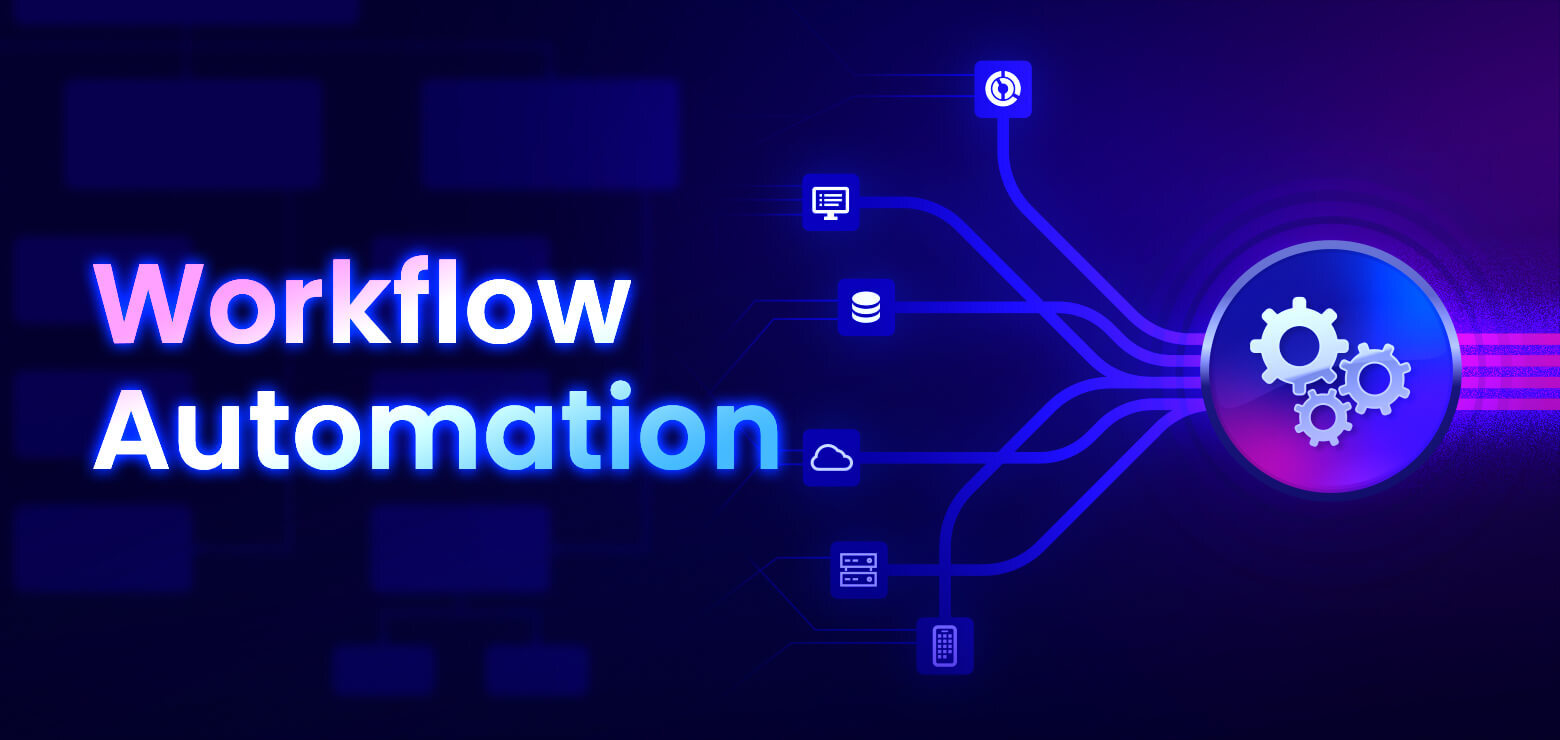
Workflow automation means using digital tools to handle repetitive business tasks automatically.
Instead of manually following up with leads, copying data between spreadsheets, or sending invoices one by one, automation platforms like Zapier, Make.com, and Airtable can do it all instantly and accurately.
With no-code automation, you don’t need programming skills. You simply drag, drop, and connect your apps to automate tasks like:
The result?
Fewer mistakes.
Faster workflows.
More time for strategy, not spreadsheets.
Here’s what everyday business operations look like before and after automation with Apperr.
Before Automation:
Your leads come from multiple sources: social media, website forms, and ads. You manually copy them into spreadsheets, send follow-up emails, and try to track who replied. Leads get lost, and response times are slow.
After Automation (with Apperr):
When a visitor fills out your website form, automation instantly:
Result: Lead response time reduced by 70%, and conversions increased by 25%.
Learn more: HubSpot CRM Automation Guide
Before Automation:
You manually send welcome emails, request documents, and book meetings. Each new client takes 2–3 hours of admin work before the real project begins.
After Automation (with Apperr):
Once a contract is signed, automation automatically:
Result: Onboarding time reduced from 3 hours to 15 minutes. Clients feel valued from day one.
Read: ClickUp Automation Overview
Before Automation:
You or your team spend hours manually scheduling social media posts across platforms. Sometimes, posts are missed or published late.
After Automation (with Apperr):
Every new blog post published on your website automatically:
Result: 10+ hours saved weekly and consistent brand presence across all channels.
Explore: Buffer Automation Features
Before Automation:
Invoices are created manually in Excel or Word and sent via email. Payment reminders are inconsistent, leading to delayed payments.
After Automation (with Apperr):
When a project milestone is marked complete, automation:
Result: Payment turnaround time improved by 40%, and bookkeeping accuracy increased.
Resource: QuickBooks Workflow Automation
Before Automation:
You send promotional or follow-up emails manually, one by one. Tracking engagement is tedious.
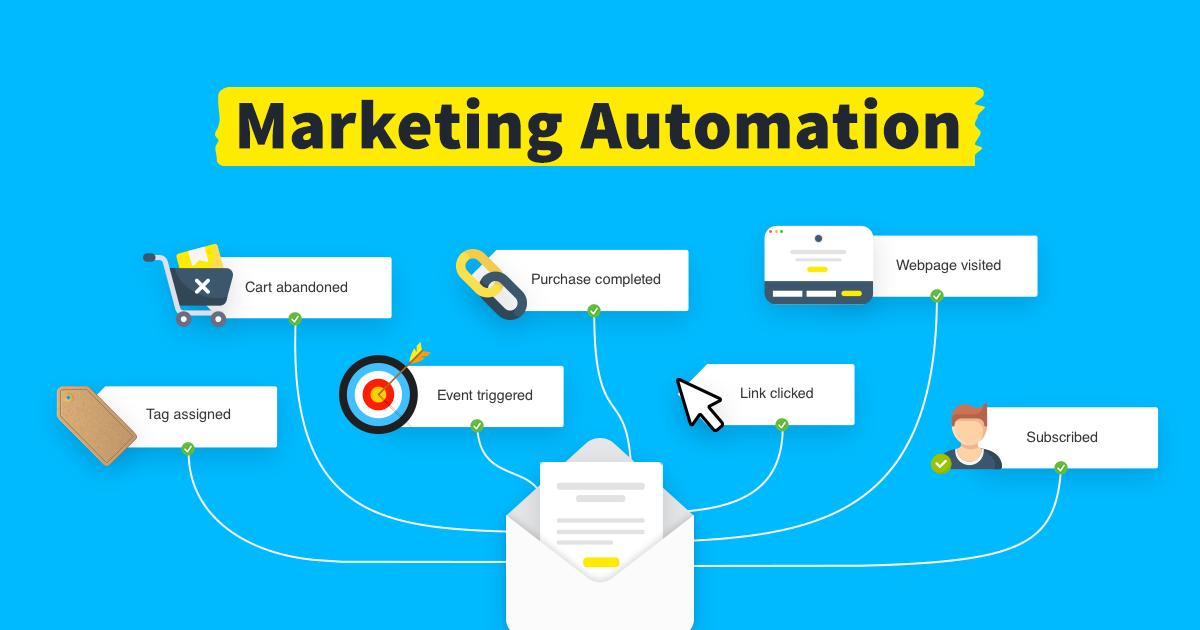
After Automation (with Apperr):
When a new lead downloads your free resource:
Result: Open rates increased by 45%, and lead nurturing became hands-free.
See: Mailchimp Marketing Automation
According to Zapier’s 2025 State of Automation Report, small businesses save an average of 6 hours per week per employee by automating repetitive tasks.
Automation systems don’t forget or mistype. Data is consistent across apps and platforms.
Automated workflows mean you can handle more clients, manage more leads, and scale without hiring extra staff.
You don’t need to be a coder to automate anymore. Tools like n8n.io, Make, and Zapier allow anyone to create automation workflows visually.
At Apperr, we make business automation simple, scalable, and fully customized for your business needs.
Here’s how our process works:
We start by analyzing your existing operations where time is being wasted and where automation can help.
From lead management to client onboarding, we identify “high-impact” areas to automate first.
We use top automation tools such as Zapier, Make.com, and Airtable to design efficient workflows that connect your apps and data seamlessly.
Apperr integrates AI tools to make automation smarter.
For example:
We provide ready-to-use workflow templates so businesses can start automating fast.
Templates include:
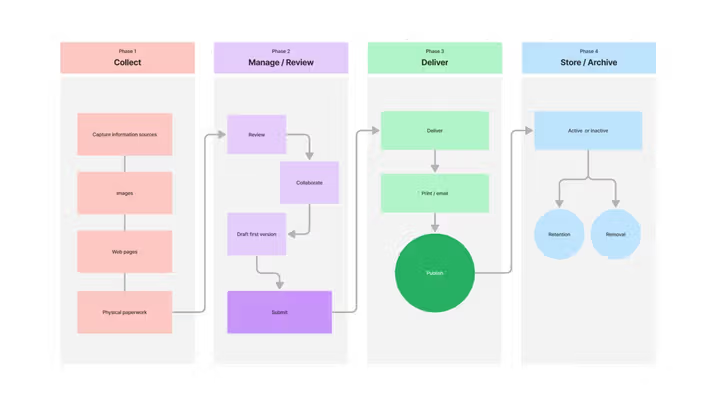
Automation isn’t a one-time setup. We track your system’s performance and update it as your business grows.
“Apperr makes automation your silent business partners reliable, consistent, and always working”.
Before: Manually tracking leads from Facebook Ads and Google Forms.
After: Apperr integrated Meta Leads → Zapier → Notion CRM, automating lead collection and follow-ups.
Outcome: Lead response time reduced by 75%, and client acquisition improved by 30%.
Before: Booking confirmations handled via email threads and manual invoicing.
After: Apperr built a no-code workflow using Airtable + Gmail + Stripe, automating client confirmations and payments.
Outcome: Saved 15 hours weekly and reduced missed payments to zero.
Before: Order fulfillment updates were done manually between Shopify and Google Sheets.
After: Apperr automated the sync between Shopify → Airtable → Slack, notifying staff instantly when new orders arrived.
Outcome: Processing time cut by 60%, with zero manual entry errors.
The global automation software market is expected to reach $50 billion by 2028.
For small businesses, this isn’t just a tech upgrade. it’s survival.
Automation helps small teams:
According to Salesforce’s 2024 SMB Report, 78% of small business owners plan to increase automation spending this year.
If you’re still relying on spreadsheets, sticky notes, and manual emails, now is the perfect time to evolve.
The difference between “before and after” automation isn’t just about efficiency.
it’s about transformation.
Before automation, small businesses struggle with manual work, missed leads, and inconsistent processes.
After automation, they enjoy seamless workflows, higher revenue, and more freedom.
At Apperr, we help small businesses automate key workflows, boost productivity, and scale effortlessly using no-code and AI-powered tools.
Ready to transform your business?
Book your free automation audit today and see what your “after” looks like.
%201.png)


