UX Design, User Experience, UX Design Basics, UX vs UI, User-Friendly Design

darkline

What is UX Design? [Explained in Simple Terms]

Janet Oduyomi

January 22, 2026

|

6 mins read

blog imgline

Introduction

Imagine visiting a website and immediately knowing where everything is!! 

You find what you need quickly, the buttons feel natural, and the experience just “clicks.” That feeling is the result of UX design or user experience design

Simple website design that is easy to navigate and understand

In simple terms, UX design is all about making websites, apps, and digital products easy, enjoyable, and effective for the people who use them.

At Apperr Designs, we specialize in creating websites,  mobile apps, and AI solutions with fast, user-friendly designs that not only look good but also guide users seamlessly. Good UX can make the difference between a visitor leaving your site or becoming a loyal customer.

In this guide, we’ll break down what UX design is, why it matters, the main principles every designer follows, and real-life examples explained in simple terms, even if you’re completely new to design.

What Is UX Design in Simple Terms?

UX design, short for user experience design, is the process of making digital products like websites, apps, and software easy to use, efficient, and enjoyable for the people interacting with them.
It focuses on understanding users’ needs, behaviors, and goals, then creating an experience that helps them achieve those goals quickly and effectively.

According to Don Norman, a pioneer in UX design, “User experience encompasses all aspects of the end-user’s interaction with the company, its services, and its products.” - (Read more here)

IBM also highlights that UX design is about making digital interactions intuitive and satisfying, not just visually appealing. Designers use research, testing, and feedback to ensure products meet user expectations and solve real problems - (Read more here)

Example in practice: A food delivery app lets users find restaurants, add items to a cart, and complete checkout efficiently. If the process is simple and clear, users are more likely to complete their orders and that is effective UX. Poor UX, on the other hand, can frustrate users and drive them away.

The Importance of UX Design

The Importance of UX Design

UX design is crucial because it directly impacts how users experience a website, app, or digital product. A good user experience can determine whether users stay, engage, and convert or leave frustrated. Companies that invest in UX see higher customer satisfaction, better retention, and increased revenue.

Key Reasons UX Design Matters:

1. Improves User Satisfaction

  • Users are more likely to enjoy using products that are intuitive, clear, and efficient.
  • Satisfied users are more likely to return and recommend the product to others.

According to Nielsen Norman Group, even small improvements in UX can significantly increase user satisfaction and engagement.
2. Increases Conversions and Sales

  • A website or app with clear navigation, simple checkout processes, and helpful guidance encourages users to complete actions, such as signing up, purchasing, or contacting a business.
  • Businesses with optimized UX often see higher conversion rates than competitors with confusing or clunky designs.

3. Reduces User Errors and Frustration

  • Poor UX leads to mistakes, confusion, and frustration, such as users clicking the wrong buttons, abandoning forms, or leaving the site entirely.
  • Good UX anticipates user needs and reduces friction, making interactions smooth and error-free.

4. Boosts Brand Credibility and Trust

  • A professional, well-designed user experience reflects positively on a brand.
  • Users associate a smooth, reliable digital experience with trustworthiness and quality.

5. Decreases Support and Maintenance Costs

  • Clear, user-friendly design reduces the number of support requests and complaints.
  • Companies save money when users can navigate and complete tasks without confusion.

6. Provides a Competitive Advantage

  • Businesses that prioritize UX often outperform competitors who ignore it.
  • In industries with similar offerings, the quality of the user experience can be the deciding factor for users.

7. Enhances Accessibility and Inclusivity

  • UX design includes making products accessible to people with different abilities, devices, and preferences.
  • Inclusive design ensures a wider audience can successfully use and benefit from your product.

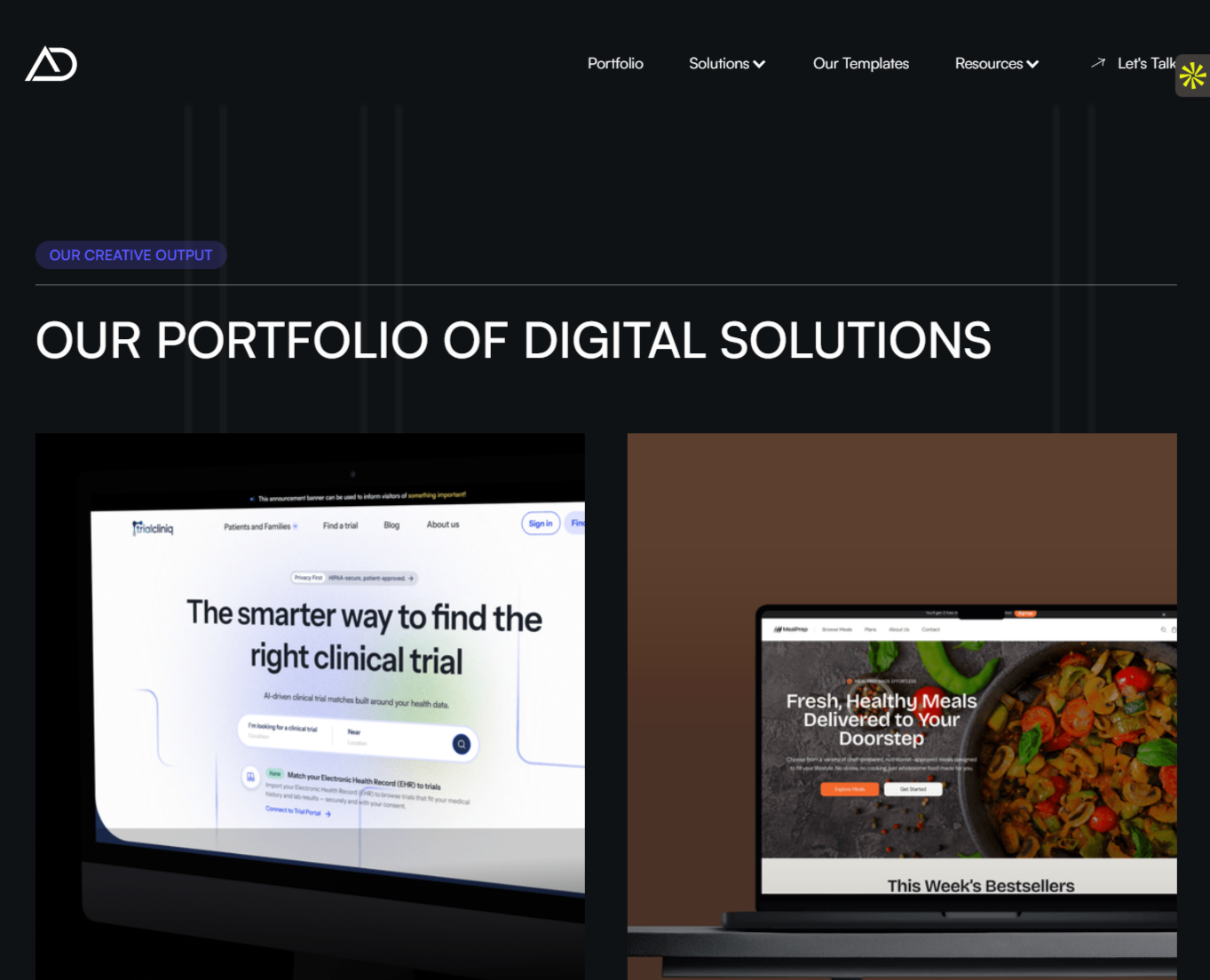
Apperr portfolio page displaying different website designs with user-friendly layouts

At Apperr Designs, UX is a core part of every project.
From websites to mobile apps and AI solutions, we focus on creating digital experiences that are fast, intuitive, and user-friendly.
Our portfolio demonstrates how strong UX principles improve usability and drive business results across industries.

Principles or Pillars of UX Design

Principles or Pillars of UX Design

UX design is guided by key principles that ensure digital products are easy, enjoyable, and effective for users. By following these principles, designers can create experiences that meet user needs while supporting business goals.

Here are the main principles of UX design that every beginner should know:

1. Usability

  • The product should be simple to use and navigate.
  • Users should complete tasks quickly without confusion.
  • Example: A well-structured menu and clear buttons make a website easier to explore.

2. Consistency

  • Design elements, navigation, and interactions should be uniform throughout the product.
  • This helps users understand how things work without constantly learning new patterns.
  • Example: Consistent button styles across all pages improve clarity.

3. Accessibility

  • UX design should work for all users, including people with disabilities.
  • Accessible design includes readable fonts, alt text for images, and keyboard-friendly navigation.

4. Feedback

  • Users should get immediate responses to their actions.
  • Example: Buttons show when clicked, forms indicate errors, and progress bars signal ongoing actions.

5. Simplicity

  • Avoid unnecessary complexity.
  • Focus on essential features and clear paths to help users accomplish tasks efficiently.

6. User-Centered Design

  • UX decisions are based on research and understanding of real users.
  • User testing, surveys, and analytics help designers make informed choices.

7. Visual Hierarchy and Clarity

  • Important information should stand out; users should naturally know where to look first.
  • Example: Headings, contrast, and spacing guide users’ attention.

Seeing UX Principles in Action: At Apperr Designs portfolio, you can explore websites we’ve built for different industries where these UX principles are applied.
Each project focuses on intuitive navigation, clean layouts, and seamless experiences, making it easy for visitors to engage with the business.

UX Design vs UI Design

UX Design vs UI Design

Many beginners confuse UX (user experience) design with UI (user interface) design, but they focus on different aspects of digital products. Understanding the difference is essential for creating effective websites, apps, and software.
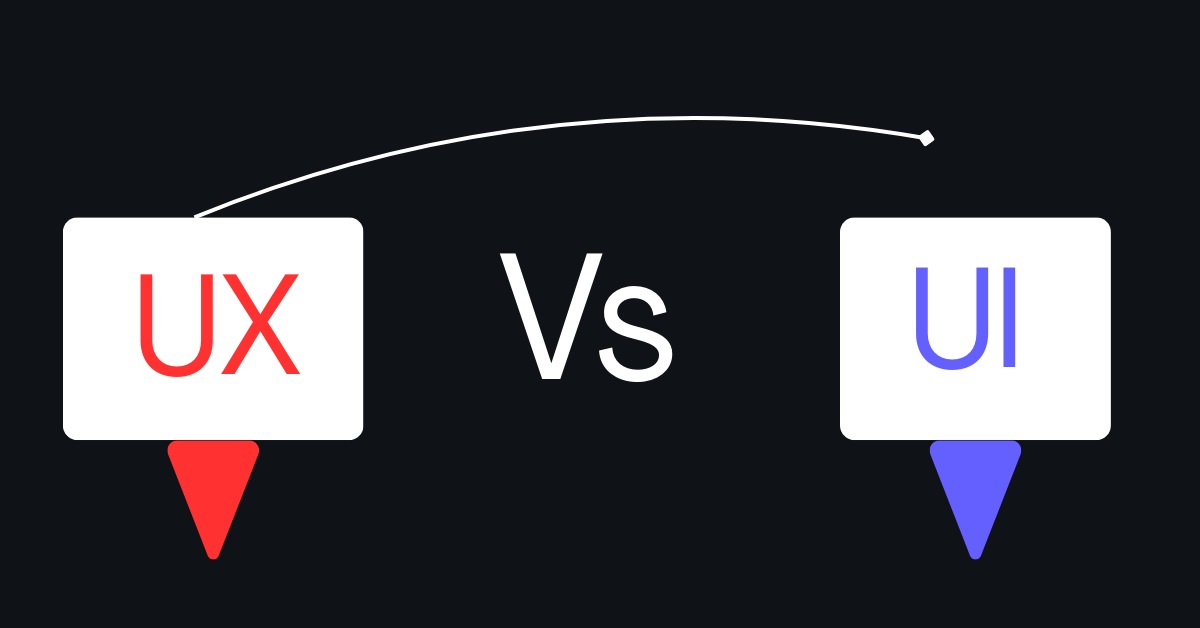
Comparison showing the difference between UX design and UI design on a website

What is UX Design?

  • UX design focuses on how a product works and feels.
  • It’s about making interactions easy, intuitive, and satisfying for the user.
  • UX design considers the entire journey, from the first visit to completing a goal (like making a purchase or submitting a form).

What is UI Design?

  • UI design focuses on how a product looks.
  • This includes buttons, colors, typography, images, and layouts.
  • UI ensures the visual design is appealing and matches the brand while complementing UX.

The Relationship Between UX and UI

  • Think of UX as the structure and flow of a product and UI as the visual layer that makes it engaging.
  • Good UX without good UI may work, but feel boring or confusing.
  • Good UI without UX may look great, but frustrate users.
  • Both must work together to deliver a seamless digital experience.

For example, at Apperr Designs portfolio, our projects show how UX and UI work together. Each website and app is designed not only to look professional but also to guide users naturally, ensuring both form and function are optimized.

Real-Life UX Design Examples

Understanding UX principles is easier when you see them in action. Real-life examples demonstrate how thoughtful design can improve usability, engagement, and overall satisfaction.

Example 1: Streamlined Navigation

  • A clean, organized menu and clear call-to-action buttons make it easy for users to find what they need.
  • On several websites in Apperr Designs’ portfolio, we applied structured navigation so users can move seamlessly through pages without confusion.

Example 2: Fast and Responsive Design

  • Users expect websites and apps to load quickly and work on any device.
  • Apperr’s portfolio showcases mobile-friendly and responsive designs that adjust smoothly across desktops, tablets, and smartphones, ensuring a consistent experience.

Example 3: Clear Visual Hierarchy

  • Important information should stand out using headings, spacing, and color contrast.
  • Many projects in Apperr’s portfolio apply these UX principles, making it easy for users to identify key content and take action, such as contacting a business or making a purchase.

Example 4: Intuitive Forms and Interactions

  • Forms should be simple, with clear labels, logical steps, and helpful feedback.
  • Apperr’s websites and apps reduce friction by designing forms and interactive elements that users can complete effortlessly.

These examples show how UX principles: usability, consistency, clarity, and accessibility directly impact user satisfaction. You can explore more projects and see these principles applied in real-world solutions in the Apperr Designs portfolio.

Can You Learn UX Quickly?

Many beginners wonder if UX design can be learned quickly. The answer is yes, but it depends on your focus, resources, and practice. UX involves understanding users, designing solutions, and testing them but the basics can be learned in a few months.

Learning UX in 3 Months

  • With dedication and the right resources, you can learn the fundamentals of UX design in about three months.
  • Online courses, tutorials, and practice projects allow you to gain hands-on experience with usability, wireframing, user research, and testing.
  • Websites like Coursera, Interaction Design Foundation, and UX Design Institute offer beginner-friendly courses to get started.(Read more here)

Is UX Design Easy to Learn?

  • UX design is accessible, but it requires logical thinking, empathy, and attention to detail.
  • Beginners should start with small, practical projects, like improving a website or app interface.
  • Learning UX is easier when you observe real users, test designs, and iterate not just read theory.

Want a Free Website Audit?

If you’re a business owner or entrepreneur and want to see how your website or app performs in terms of UX, Apperr Designs offers a free website audit.
Drop your email and details in our contact form, and our team will provide a free website audit with actionable recommendations to improve usability, speed, and conversions.
It’s a simple way to identify opportunities and start enhancing your digital presence today.

Start improving your user experience now: A better UX means happier users, more conversions, and stronger results for your business.
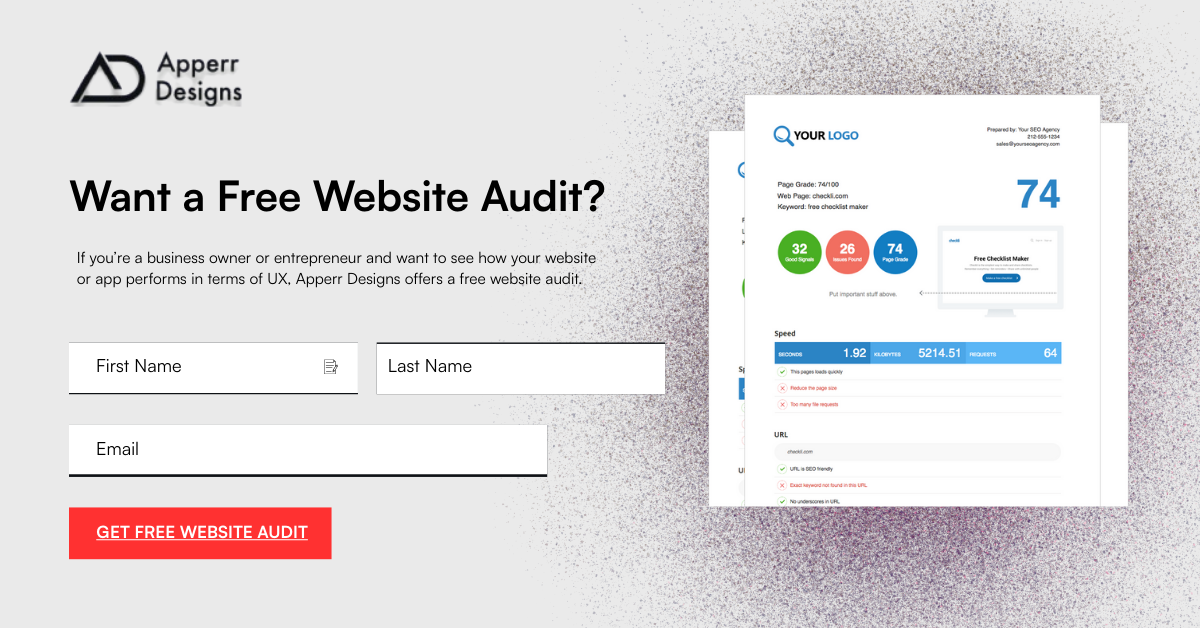
Form offering a free website audit in exchange for user contact details
FAQS & Conclusion

Frequently Asked Questions (FAQs)

1. What is UX design in simple terms?

Answer: UX design is about making websites, apps, and digital products easy, enjoyable, and effective for users. It ensures users can navigate and achieve their goals without confusion.

2. What are the 7 pillars of UX design?

Answer: The 7 pillars are: usability, consistency, accessibility, feedback, simplicity, user-centered design, and visual hierarchy. These help create smooth and user-friendly digital experiences, like in Apperr Designs portfolio.

3. How to explain UX design to someone?

Answer: UX design is the process of making digital products simple and enjoyable to use, so users can easily find what they need and complete tasks efficiently.

4. How would you explain UX design to a child?

Answer: UX design is about making apps or websites easy and fun, so buttons are clear, steps are simple, and everything works the way you expect.

5. Can I learn UX in 3 months?

Answer: Yes. With focus, online courses, and small practice projects, you can learn the basics of UX and start applying them in real projects within a few months.

6. What are the 7 principles of UX design?

Answer: The 7 principles: usability, consistency, accessibility, feedback, simplicity, user-centered design, and visual hierarchy guide designers to create intuitive and effective experiences.

7. What is the 60 30 10 rule in UX?

Answer: The 60 30 10 rule is a color balance guideline: 60% dominant color, 30% secondary, 10% accent. It helps make interfaces visually clear and appealing.

8. What are the 4 C's of UX design?

Answer: The 4 C’s are clarity, consistency, confidence, and control. They ensure the product is easy to understand, reliable, and user-friendly.

9. What is the golden rule of UX?

Answer: “Design for the user first.” Every UX decision should prioritize the user’s needs, preferences, and goals over anything else.

Conclusion & Call to Action

UX design is essential for creating digital products that are easy, enjoyable, and effective for users. From improving navigation and clarity to ensuring accessibility and responsiveness, good UX directly impacts user satisfaction, engagement, and business results. Following UX principles like usability, consistency, and user-centered design helps websites and apps stand out and perform better.

At Apperr Designs, we specialize in building user-friendly websites, mobile apps, and AI solutions that combine strong UX principles with professional UI design.
Our portfolio showcases real projects where UX has been applied to improve functionality, engagement, and user satisfaction.

line

Back to blogs